The Best Mac Productivity Apps in 2026
There’s no single “best” Mac productivity app — there’s the best one for what you’re actually trying to do. A GTD purist and someone who just wants a fast to-do list have almost nothing in common, and the app that thrills one will frustrate the other. So instead of a top-10 list with a fake winner, here’s an honest breakdown of the apps worth considering in 2026, organized by what they’re actually best at.
For pure, focused task management: Things 3
Things 3 is still the benchmark for design and interaction polish in a to-do app. If all you want is a fast, beautiful list — Today, Upcoming, Anytime — with apps across Mac, iPhone, iPad, and Apple Watch, it’s hard to beat. The trade-off: it’s a to-do list and nothing more. No CRM, no goals tracking, no meeting notes. And buying the full set (Mac + iPad + iPhone) runs about $80 since each platform is sold separately.
For GTD power users: OmniFocus
OmniFocus is the deepest GTD implementation on the Mac — custom Perspectives, a Forecast view that overlays your calendar, and a dedicated Review mode for weekly GTD reviews. It’s mature and it shows. It’s also the priciest pure task manager here: $74.99 (Standard) or $149.99 (Pro) as a perpetual license, or about $100/year if you’d rather subscribe. Worth it if you live and breathe GTD; overkill if you don’t.
For cross-platform task lists with real collaboration: Todoist
If you need a task manager that works identically on Windows, Linux, Android, and web — not just Mac — Todoist is still the strongest all-platform option, with a natural-language quick-add that’s better than most competitors’ and real shared-project collaboration. It’s a subscription (roughly $5-8/month), and it’s tasks-only — no notes, no CRM, no meeting capture.
For flexible databases and team docs: Notion
Notion earns its popularity from sheer flexibility — build a task tracker, a wiki, a CRM, whatever, all in relational databases, and share it with a team in real time. That flexibility comes at a cost: it’s a cloud-hosted Electron app, the free tier caps out fast, and Notion’s own AI meeting-notes feature is gated behind the $20/month-per-member Business plan. Great for teams; a lot of overhead for one person.
For markdown purists: Obsidian
Obsidian’s pitch is simple — your notes are plain markdown files on your disk, forever, plus a genuinely enormous plugin ecosystem and a graph view for visualizing how your notes connect. The core app and mobile apps are free. The catch: task management, calendars, and anything beyond notes require finding, installing, and maintaining third-party community plugins, with no guarantee any given one keeps working after an update.
For free, ambient capture: Apple Notes
Apple Notes doesn’t try to be a system — it’s free, it’s already on every Mac and iPhone, it syncs via iCloud without you thinking about it, and it now does surprisingly capable things like Apple Pencil markup, document scanning, and (with Apple Intelligence on newer OS versions) transcribing your phone and FaceTime calls. What it isn’t is a task manager, a CRM, or a place to track goals.
Like the sound of one app for all of this?
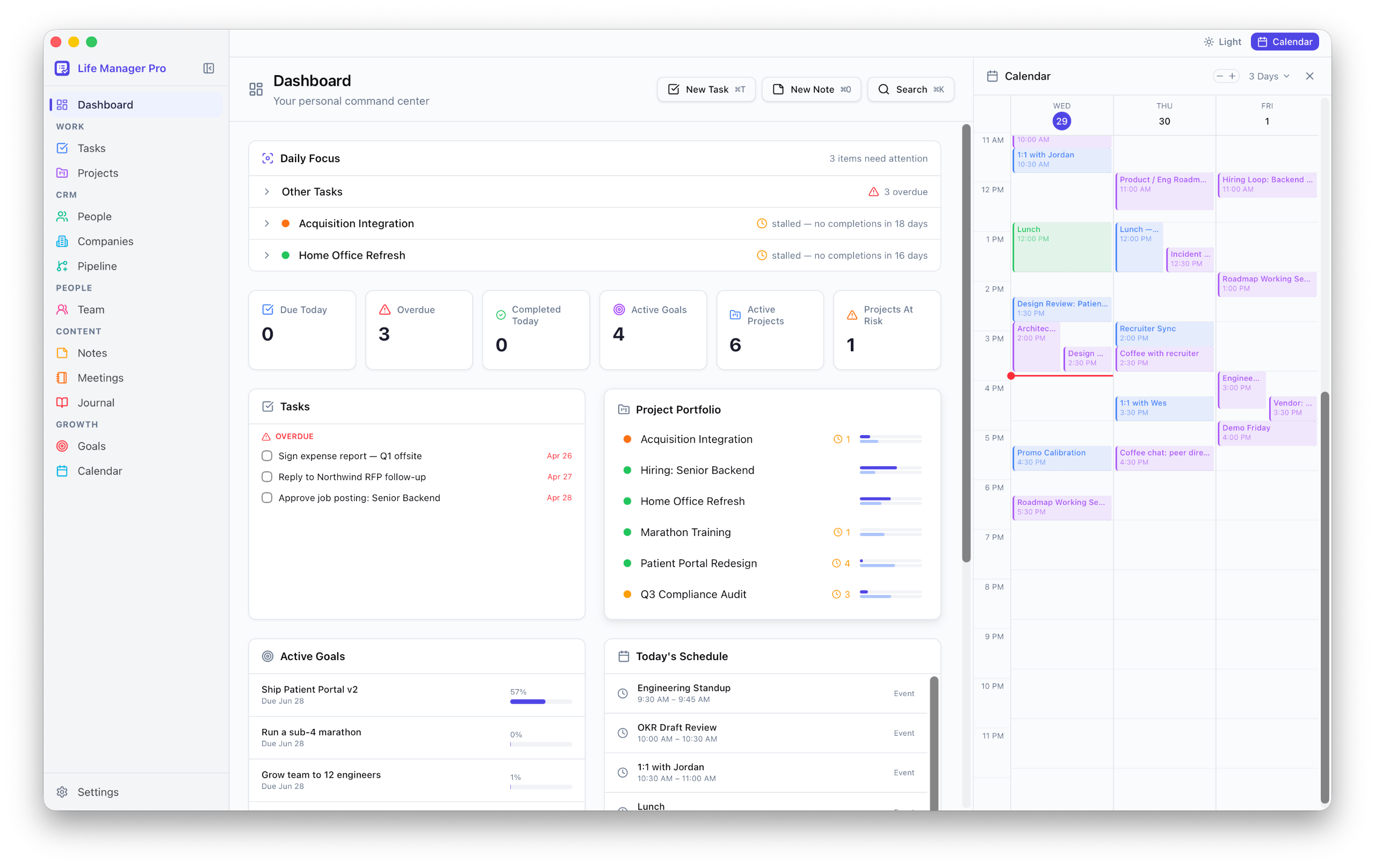
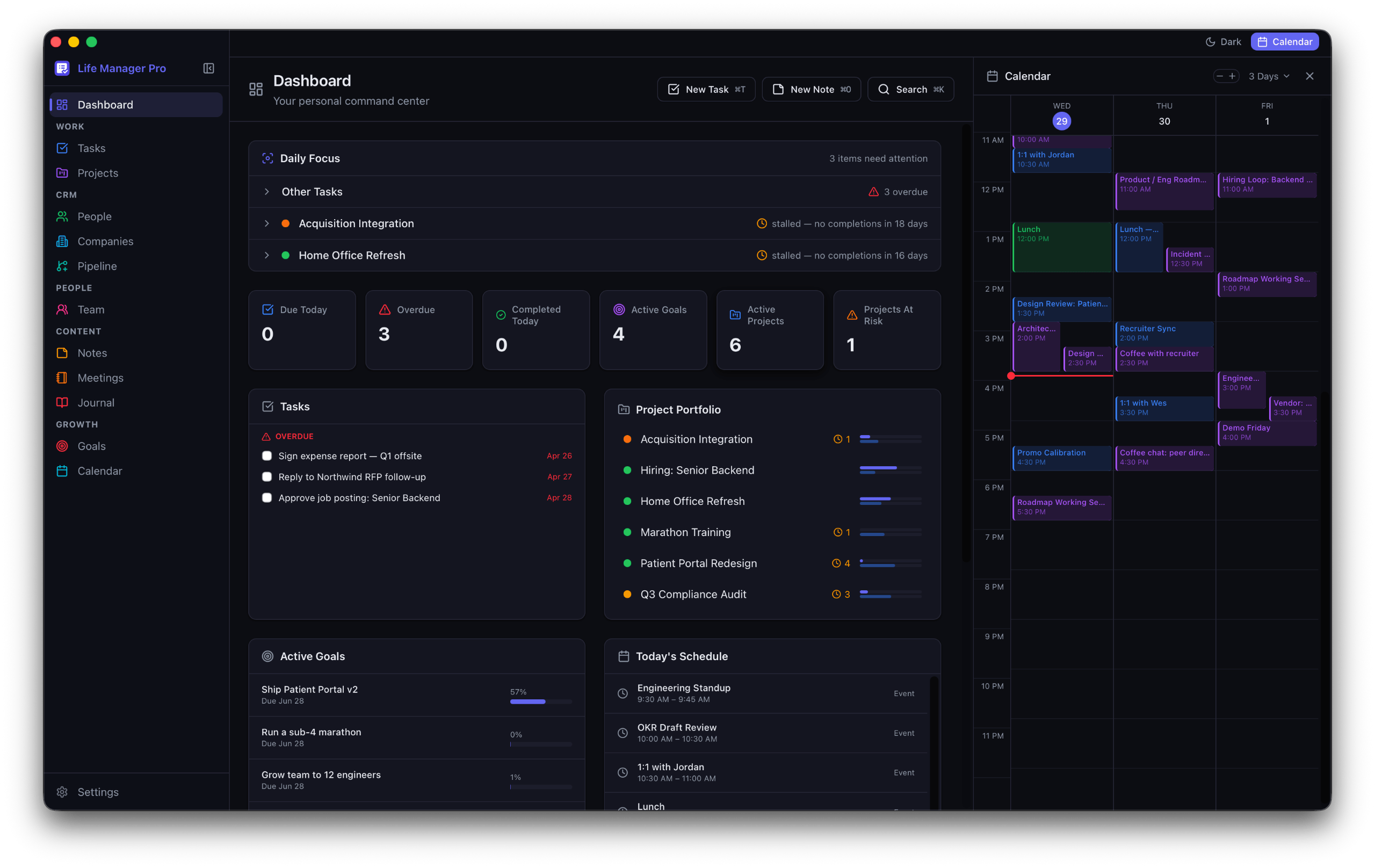
Life Manager Pro is a native Mac app for tasks, meetings, CRM, goals, and journaling — local-first, one-time price. 14-day free trial, no credit card.
Try Life Manager Pro freeFor one person who wants it all in one native app: Life Manager Pro
Most people end up stitching two or three of the above together — Things for tasks, Notes for quick capture, a spreadsheet for the side-hustle contacts. Life Manager Pro is our attempt at collapsing that stack into one native Mac app: tasks and projects (table, kanban, gantt), a real CRM, goals and OKRs, a journal, and automatic meeting recording with local transcription — all local-first, for a $49 one-time price. The honest trade-off: it’s Mac-only, single-user, and less design-polished than Things 3. If you don’t need the breadth, you don’t need this.
How to actually choose
Start from what’s actually broken in your current setup, not what looks impressive in a screenshot. If your task list works but you’re duct-taping a CRM out of a spreadsheet, that’s a signal. If you just want the world’s best to-do list and nothing else, Things 3 or Todoist will serve you better than anything broader. There’s no wrong answer here — just a mismatched one.